StreamsApp compared with Asana
When a work order has outgrown a task tool
With Asana, the friction shows up in one specific situation. A work order is not a task. It is one object that has to pass through departments in a fixed order, collecting evidence as it goes, with money attached at the end. People model that in Asana with a section per department and a convention about when you are allowed to move something, and the convention is the part that breaks.
Side by side
Product features change. Check anything here against Asana before you decide.
Can a task be completed without the information the next stage needs?
- Asana
- Yes. Completion is a checkbox. Custom fields do not block it.
- StreamsApp
- Not where the stage asks for it. Fields you mark required are checked before the job can leave. Stages you leave open let it straight through.
Can I require that the customer was actually invoiced?
- Asana
- Not without an integration and a convention.
- StreamsApp
- Yes. A stage can require an invoice raised, or paid in full, before the job closes.
Where do quotes and invoices come from?
- Asana
- Another system. The task links to it.
- StreamsApp
- From the job, with GST, customer acceptance online, and sync to Xero or QuickBooks.
Can some people be kept out of the costing stage?
- Asana
- Project-level permissions, not per section.
- StreamsApp
- Per stage, enforced by the server: editable, read-only or invisible.
Is the process documented where the work happens?
- Asana
- In a project brief or a task description.
- StreamsApp
- On the stage, visible to whoever is working on it right then.
The three things that break, every time
A job moves to the next department without what that department needs, so somebody walks back to ask. The information existed. Nothing required it.
A job gets marked done when it is not, because marking it done is a single click and nobody is checking. This is the one that costs money, because the job that is not really done is usually the one that was never billed.
Nobody can reconstruct what happened afterwards, because a task carries a completion state and a comment thread rather than a history of what each field held and when it changed.
Where it fits alongside your other systems
There is no inventory, bills of materials or purchasing here, and none planned. StreamsApp runs alongside whatever system holds those.
What changes is the running of the work order itself: enquiry to quote to build to QA to despatch to invoice, with the gates where the money and the quality are, and the invoice landing in the accounting system you already use.
How much of this you switch on is up to you
Nothing here is required until you say so. A new stream starts with no requirements at all, and a stage that asks for nothing lets a job straight through.
Most businesses end up running both kinds side by side. A compliance job can insist on the slab certificate, so it cannot reach the frame stage without one. A sales enquiry in the same account can have nothing required at all, because chasing a lead is not a process and a rule there is only friction.
That is the real difference. Not that the software is strict, but that you get to decide where it is, one stage at a time, and change your mind later without starting again.
See the difference
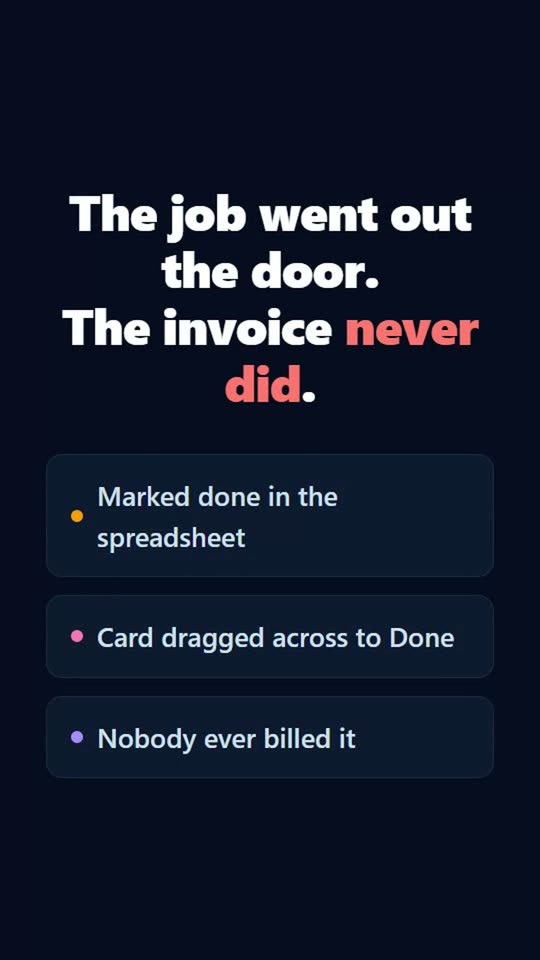
Tick one box and a record cannot leave a step until the work behind it is actually done: the quote sent, the invoice raised, the customer told. Excel lets you type Done. Trello lets you drag the card. Neither of them knows nobody was ever billed.
Questions
- Can I move existing work across?
- Export to CSV and import it with the columns mapped to fields. You can also upload the procedure or spreadsheet the process is actually written in and have the stages proposed for you.
- Does this do project management?
- No, and it is worth being clear about that. There are no task dependencies, no critical path and no resource levelling. It runs repeatable processes where every job follows the same stages.
- Can both exist side by side?
- Yes. StreamsApp runs alongside other tools: it imports CSV and has an inbound API. It is built for the jobs that have a customer, a gate and an invoice at the end.
See it for your kind of work
Other comparisons
Try it against your own process
The free plan is enough to put a real job through end to end and find out for yourself. No credit card, and nothing to uninstall if it is not for you.
Get started free