StreamsApp compared with Trello
Trello lets you drag the card
Trello becomes the wrong tool at the point where the columns stop being a picture of the work and start being a claim about it.
Side by side
Product features change. Check anything here against Trello before you decide.
Can a card move to the next column before the work is done?
- Trello
- Yes. Dragging is the interaction. Nothing inspects the card first.
- StreamsApp
- Only where you have left that stage open. Where you have set a requirement the move is refused, and the person is told what is missing.
Are required fields enforced?
- Trello
- Custom fields can exist. Nothing makes them mandatory to move.
- StreamsApp
- Per stage, and only where you switch it on. A job cannot leave a stage while a field you marked required is empty.
Where do the instructions for a column live?
- Trello
- In a card template or a description somebody has to open.
- StreamsApp
- On the stage, shown to whoever is working on it.
Can it quote and invoice the customer?
- Trello
- No, without adding another tool.
- StreamsApp
- Built in, including GST and sync to Xero, MYOB or QuickBooks.
Can I hide a column from some people?
- Trello
- Board-level access, not column-level.
- StreamsApp
- Stage by stage: work on it, view only, or hidden entirely.
A board is a picture. A process is a rule
The columns on a board describe where things are. They do not decide where things are allowed to be. That distinction does not matter at all until the day something expensive depends on a column being true.
The job that was dragged to Complete but never invoiced. The one moved to Ready for collection before anybody rang the customer. The one that reached Despatch without a QA sheet. In each case the board was accurate about what somebody did and wrong about what happened.
Stages with gates close that gap by making the move conditional. The customer has to have been told. The invoice has to exist. The certificate has to be attached. Until then the job does not move, so the board cannot lie.
What you get besides the gate
Because a job is a record rather than a card, everything that happens to it is kept: every field change, every stage move, who did it and when, exportable when somebody asks.
And because the customer-facing parts are built in, the job carries its own quote, its own invoice and its own message history. The customer's reply to an email sent from the job comes back onto that job rather than into one person's inbox.
How much of this you switch on is up to you
Nothing here is required until you say so. A new stream starts with no requirements at all, and a stage that asks for nothing lets a job straight through.
Most businesses end up running both kinds side by side. A compliance job can insist on the slab certificate, so it cannot reach the frame stage without one. A sales enquiry in the same account can have nothing required at all, because chasing a lead is not a process and a rule there is only friction.
That is the real difference. Not that the software is strict, but that you get to decide where it is, one stage at a time, and change your mind later without starting again.
See the difference
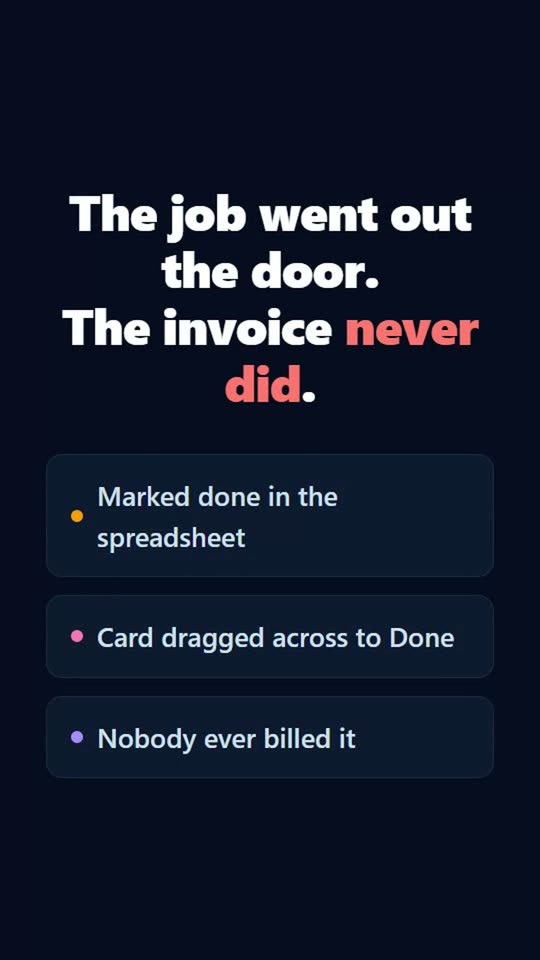
Tick one box and a record cannot leave a step until the work behind it is actually done: the quote sent, the invoice raised, the customer told. Excel lets you type Done. Trello lets you drag the card. Neither of them knows nobody was ever billed.
Questions
- Is there a board view?
- Not today. Records are listed per stage with counts, and every count is clickable as a filter, but there is no drag-and-drop board. Moving a job is a button on the record, so the stage can check what it needs first.
- Does every stage have to be gated?
- No, and most are not. Requirements are set per stage, so the stages where something expensive depends on the truth can insist on it and the rest behave like a column you move things through. A stream with nothing required anywhere is a perfectly normal way to use this.
- Can I move a job backwards?
- Yes. Gates apply to moving forwards only, so sending a job back to an earlier stage is never blocked. Correcting a mistake should not need a workaround.
- Can I import from Trello?
- Export your board to CSV and import it, mapping the columns to fields. The list a card sat in becomes a starting stage.
See it for your kind of work
Other comparisons
Try it against your own process
The free plan is enough to put a real job through end to end and find out for yourself. No credit card, and nothing to uninstall if it is not for you.
Get started free